
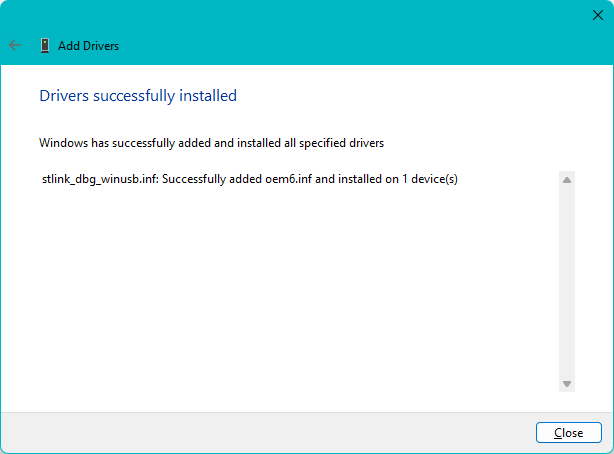
Drivers are essential software components that allow Windows to communicate with hardware devices such as graphics cards, printers, network adapters, and sound cards. Incorrect driver installation can cause system instability, hardware errors, or poor performance.
Why Drivers Matter
Without proper drivers:
- Hardware may not function correctly
- Devices may not be detected
- Gaming performance may decrease
- Internet or audio problems can appear
Step 1 – Identify Your Hardware
Before downloading drivers, identify the exact hardware model.
Useful Methods:
- Device Manager
- System Information
- Manufacturer labels
Step 2 – Download Drivers From Trusted Sources
Always download drivers from:
- Official manufacturer websites
- Trusted platforms like FileMatrix.net
Avoid suspicious driver websites because they may contain malware or outdated files.
Step 3 – Install Drivers Properly
Standard Installation:
- Download the driver package
- Extract files if necessary
- Run the installer as Administrator
- Restart the computer
Manual Installation:
- Open Device Manager
- Right-click the device
- Select “Update Driver”
- Browse to the driver folder
Common Driver Problems
Driver Not Compatible
Make sure the driver matches:
- Windows version
- 32-bit or 64-bit architecture
Device Still Not Working
- Restart the PC
- Reinstall the driver
- Remove old conflicting drivers
Final Thoughts
Correct driver installation improves system stability, hardware performance, and compatibility. Always keep important drivers updated for the best Windows experience.