
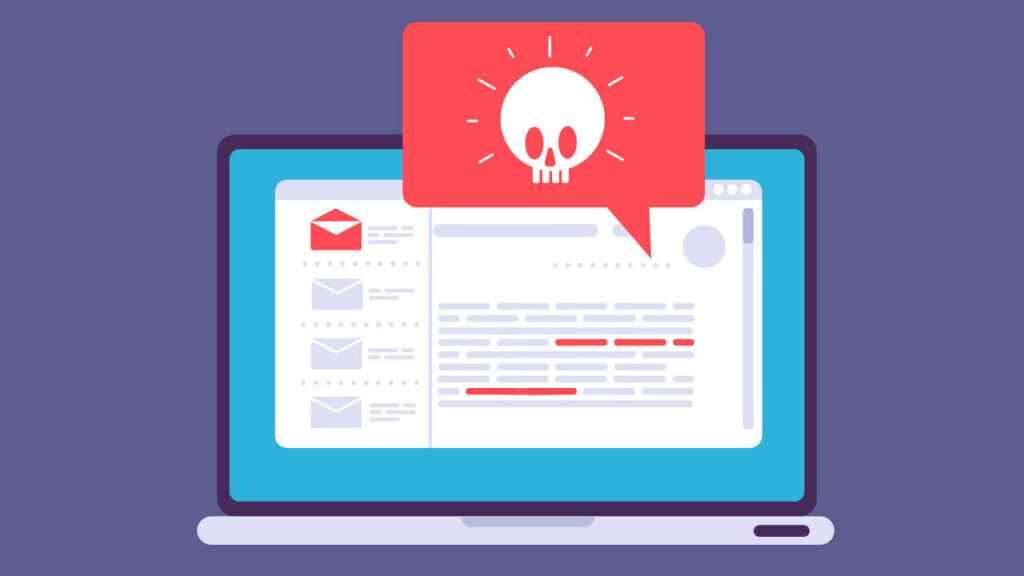
Cybersecurity threats continue to grow every year. Malware infections can steal personal information, slow down systems, and even damage files permanently.
What Is Malware?
Malware includes:
- Viruses
- Trojans
- Spyware
- Ransomware
- Crypto miners
1. Keep Windows Updated
Security updates fix vulnerabilities that hackers often exploit.
Always:
- Enable automatic updates
- Install critical patches
- Update drivers regularly
2. Use Reliable Antivirus Software
Good antivirus protection helps detect and block threats before they infect the system.
Popular options:
- Windows Defender
- Malwarebytes
- Bitdefender
3. Avoid Suspicious Downloads
Never download software from unknown websites.
Use trusted platforms such as:
FileMatrix.net
4. Be Careful With Email Attachments
Phishing emails often contain:
- Fake invoices
- Malicious attachments
- Dangerous links
Always verify senders before opening files.
5. Use Strong Passwords
Weak passwords make hacking easier.
Tips:
- Use long passwords
- Avoid reused passwords
- Enable two-factor authentication
Final Thoughts
Basic cybersecurity habits greatly reduce the risk of malware infections. Safe browsing, trusted downloads, and regular updates are essential for keeping Windows systems secure.