
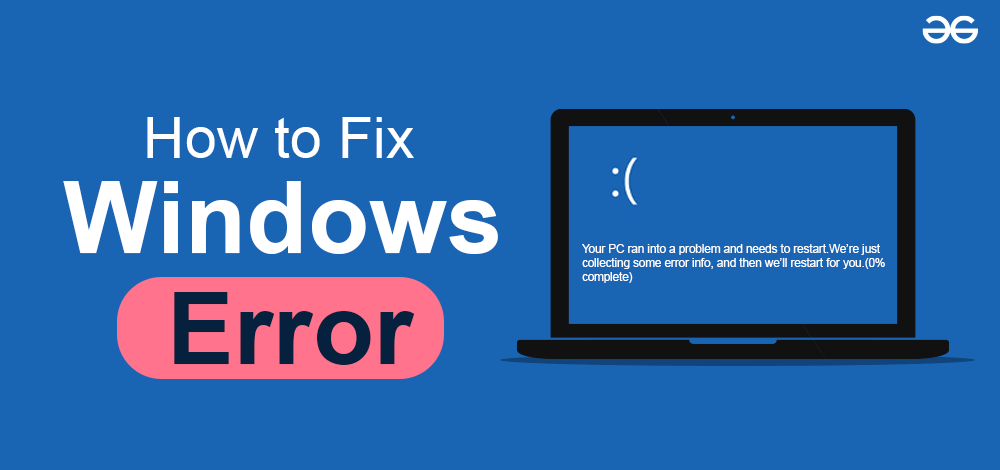
Windows users frequently encounter system errors that can interrupt work and reduce productivity. Fortunately, many common problems can be solved without reinstalling the operating system.
1. Blue Screen of Death (BSOD)
The Blue Screen error usually appears because of:
- Faulty drivers
- RAM problems
- Hardware failures
- Corrupted system files
Solutions
- Update drivers
- Run memory diagnostics
- Check hardware temperatures
- Use System File Checker
2. Windows Update Errors
Failed updates can occur because of:
- Corrupted update cache
- Internet issues
- Insufficient storage
Solutions
- Restart Windows Update services
- Clear SoftwareDistribution folder
- Run Windows Troubleshooter
3. Slow Startup Problems
Slow startup is often caused by:
- Too many startup applications
- Old HDD storage
- Malware infections
Solutions
- Disable unnecessary startup apps
- Upgrade to SSD
- Scan for malware
4. No Internet Connection
Internet problems may result from:
- Broken drivers
- Router issues
- DNS problems
Solutions
- Restart the router
- Reinstall network drivers
- Reset TCP/IP settings
Final Thoughts
Learning basic troubleshooting techniques can save time and reduce frustration. Most common Windows problems can be solved with simple maintenance and updates.