
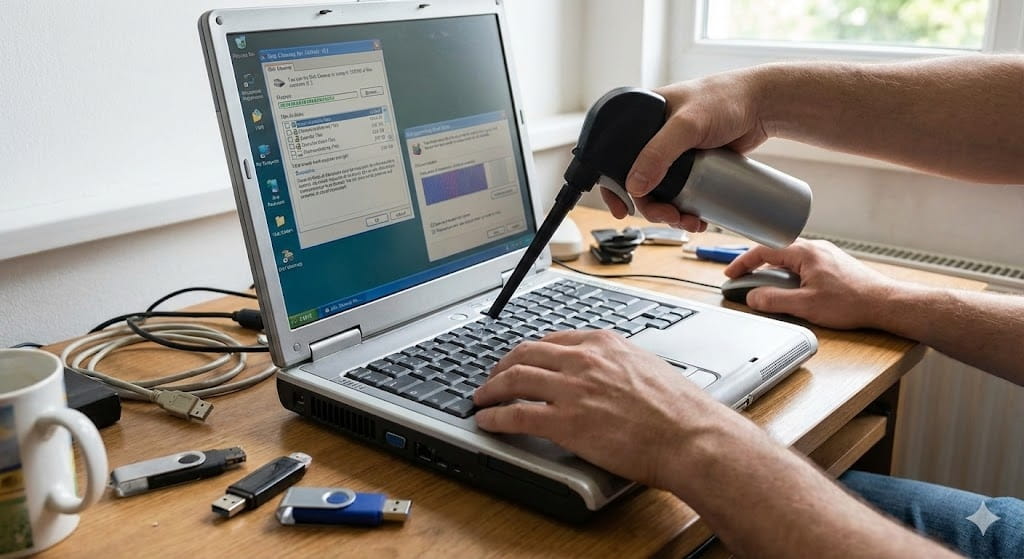
Old laptops often become slow because of outdated hardware, overloaded storage, and background applications. Fortunately, several optimizations can improve performance significantly.
1. Replace HDD With SSD
Installing an SSD is one of the biggest performance upgrades possible.
Benefits:
- Faster boot times
- Faster application loading
- Better responsiveness
2. Increase RAM
More RAM improves multitasking and reduces lag.
Recommended:
- 8GB minimum for modern Windows use
3. Remove Unnecessary Programs
Many unused applications consume:
- RAM
- CPU power
- storage space
Use:
- Apps & Features
- Task Manager Startup section
4. Clean Temporary Files
Delete:
- Temp files
- Browser cache
- Old downloads
Tools:
- Disk Cleanup
- Storage Sense
5. Install Lightweight Software
Heavy applications can slow older hardware. Use lighter alternatives whenever possible.
6. Scan for Malware
Malware infections can severely reduce performance.
Use:
- Windows Defender
- Trusted antivirus software
Final Thoughts
Even old laptops can remain useful with proper optimization and hardware upgrades. Small changes like SSD upgrades and startup cleanup can dramatically improve everyday performance.